Shareable Birthday Cards Greeting Cards for Texts and DMs: Design Rules for Every Chat App
- How Chat Apps Preview Your Card
- Mobile Card Design Rules That Get Taps
- Test Before Sending Your Sweet Invite
- Conclusion
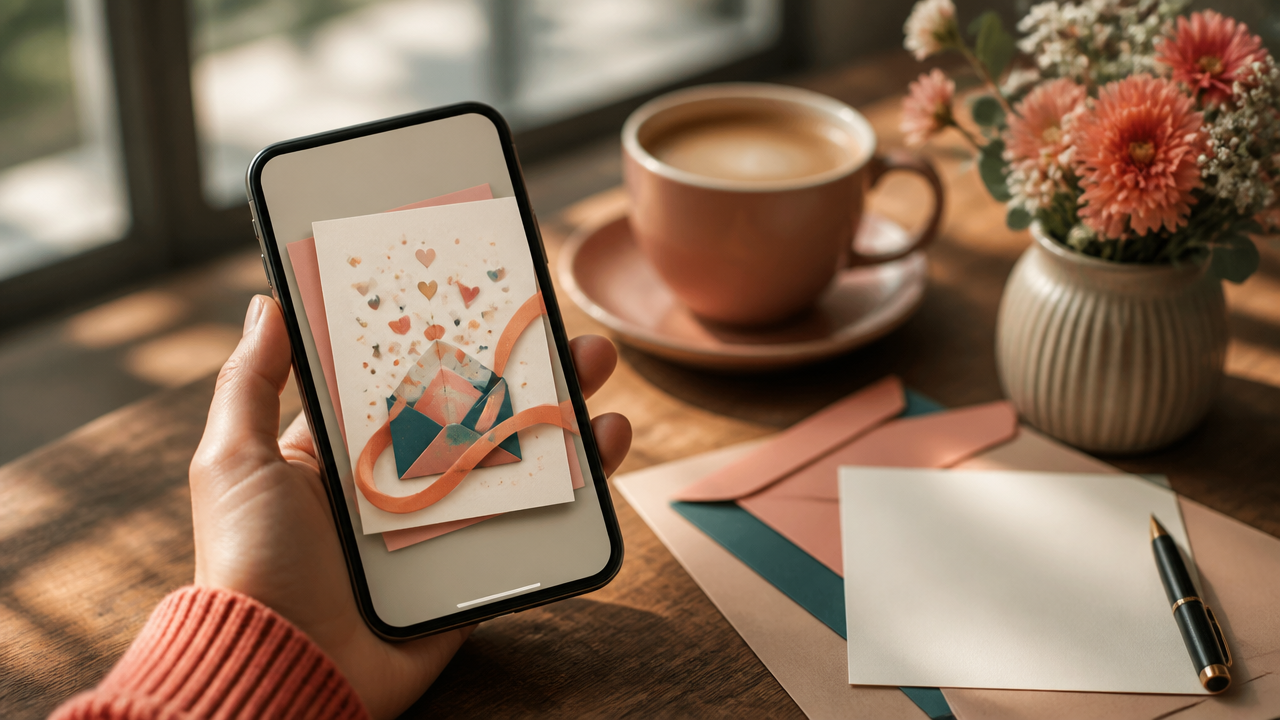
Designing birthday cards greeting cards for WhatsApp, iMessage, Instagram DMs, and Messenger is less about making one perfect image and more about making a tiny moment feel easy to open. A sweet card has to work before the tap, after the tap, and on a screen someone checks while walking, smiling, or half-distracted.
How Chat Apps Preview Your Card
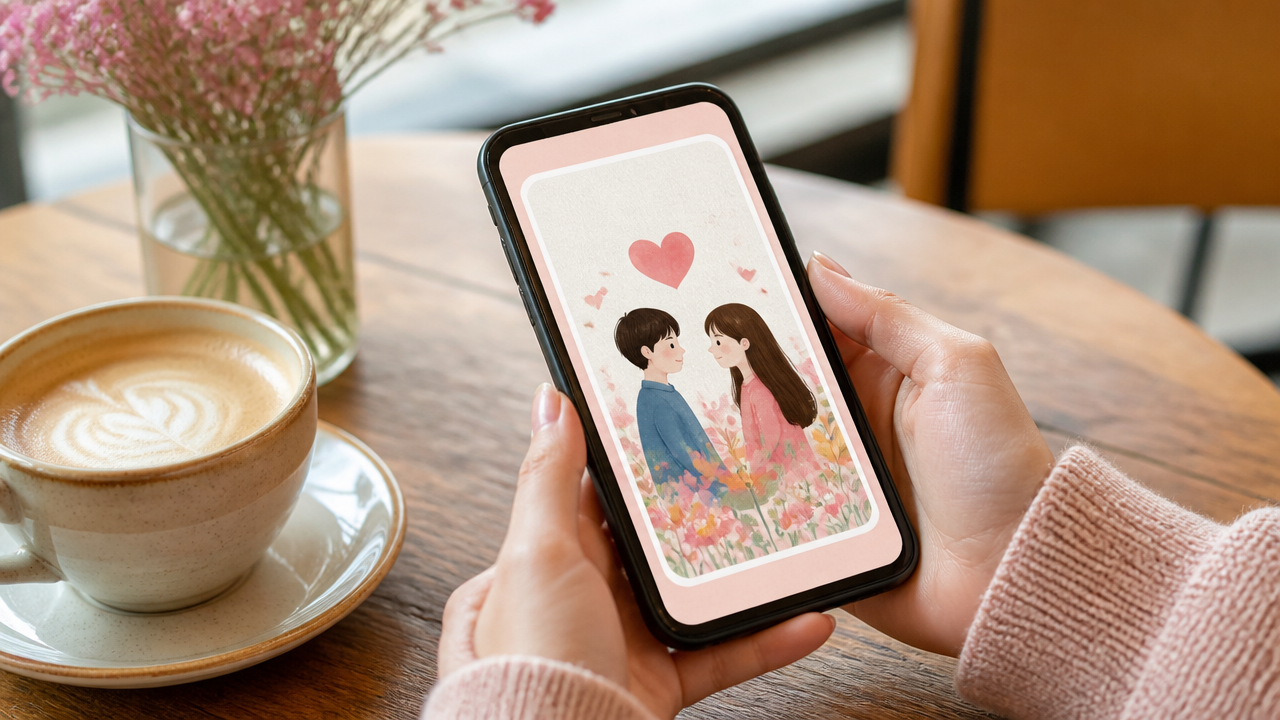
Every app frames shareable greetings a little differently. WhatsApp may show a link preview with a thumbnail. iMessage often makes previews feel rich and polished. Instagram DMs and Messenger can crop tighter, especially when the card image is tall or busy.
Here’s the quick design cheat sheet:
| App | What matters most | Best move |
|---|---|---|
| Thumbnail and first preview line | Use a clear image and warm opener | |
| iMessage | Polished preview | Keep the title short and personal |
| Instagram DMs | Fast visual recognition | Use bold shapes and simple contrast |
| Messenger | Tap-friendly preview | Make the invitation obvious early |
That first preview line matters because it decides whether your card feels personal or generic. “Made this for you” beats “You are invited” almost every time.
Mobile Card Design Rules That Get Taps
For mobile card design, keep titles short, around 3 to 6 words. Think “Dinner With Me?” or “A Tiny Birthday Plan.” Your thumbnail should still make sense at thumb size, so avoid tiny decorations, pale text, or crowded layouts.
A 4:5 or square card usually travels well across DMs, while wider designs can look better in link previews. If you’re making text message cards, write the message so it works even before the recipient taps:
- Lead with their name or a private-feeling line.
- Put the sweet reason first.
- Place the CTA near the top or center, not buried at the end.
- Make the button simple, like “Yes, I’m in” or “Tell me more.”
For more playful ideas, I’d start with these interactive birthday and greeting cards that double as sweet invitations.

Test Before Sending Your Sweet Invite
Before sending DM invitations to the real person, send the card to yourself. Check it in WhatsApp, iMessage, Instagram DMs, and Messenger if you can. Look for awkward crops, dull thumbnails, missing preview text, or a CTA that feels too far away.
This is especially helpful for social invitations where the decision is quick. If the card doesn’t feel clear in three seconds, simplify it. If you want help with the wording, this guide on birthday cards greeting cards people actually want to reply to is a lovely next read.
Conclusion
The best shareable card feels small, sweet, and instantly understandable. Make the preview line personal, keep the visual clean, design for thumbs, and test before you send. A little care turns a simple interactive invitation into something that feels made just for them.
Ready to send something adorable with heart? Visit Free Sometime and create your own interactive invitation card in just a few steps.